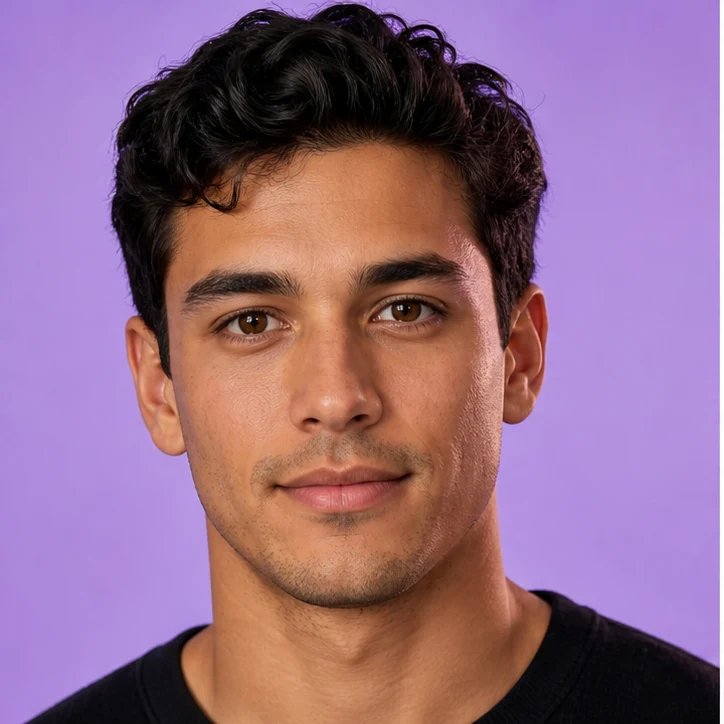

that still looks like the photo
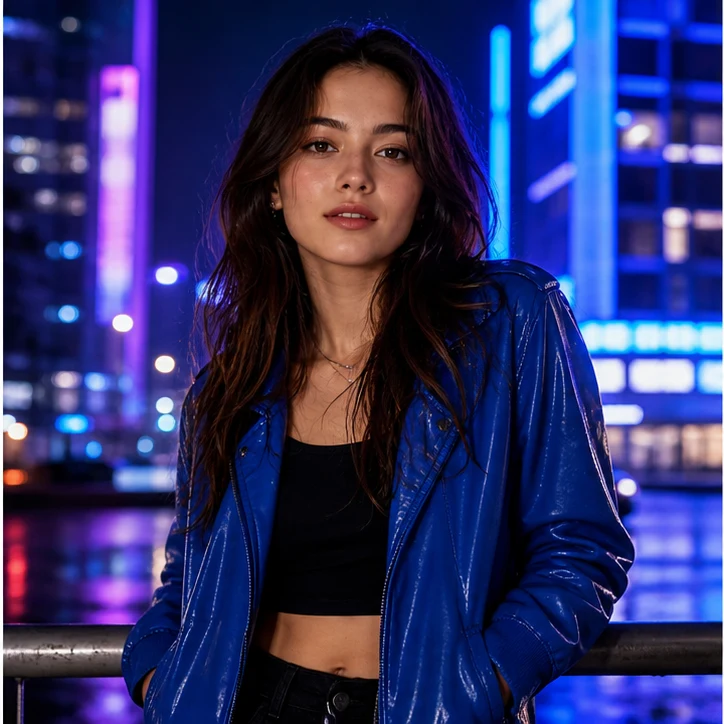
Pick a face, pick a shot, and Tooner AI matches the angle, the light and the skin tone. Run the live sample below and drag the divider to compare both faces.
No signup for the sample
Works on phone and desktop
Consent-first by design
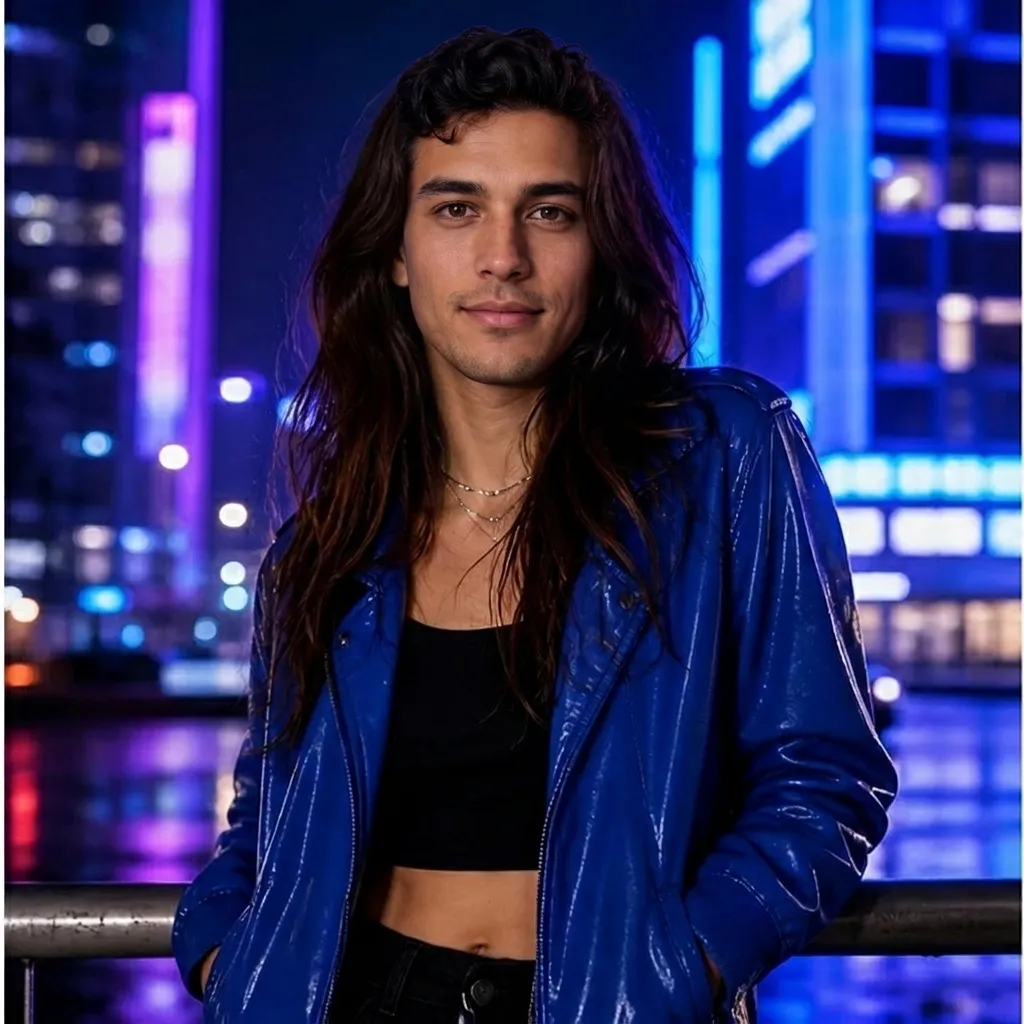
Source face
Target shot
languages supported
steps from photo to swap
seconds for the sample
installs or plugins
A clear, front-facing portrait works best. This is the identity that travels into the new shot.
Any photo, character or frame where you want that face to appear. The scene stays exactly as it was.
Angle, expression, skin tone and light get matched, then the hairline and edges are softened.
The new face is re-oriented to the original camera angle, so it sits naturally on the shoulders instead of floating on top.
Neon, daylight or studio — the face picks up the same key light, the same falloff and the same colour cast as the scene.
Colour is graded to the photo and the hairline is feathered, so there is no cut-out ring around the jaw.
Angle and poseSwap only faces you own or have clear permission to use. Never use Tooner AI to impersonate someone, spread misinformation or harass anyone.
Read the privacy policyYes. The sample on this page runs free in your browser, with no signup and nothing to download.
Yes. The same workflow handles short clips: the face is tracked frame by frame so expression and lighting stay consistent.
Clear, well-lit photos where the face is visible and not covered. Similar camera angles help, but the AI adapts expression, colour and light for you.
Yes. Beyond realistic swaps you can push a face into cartoon, anime or 3D character styles for avatars and social posts.
Choose a clear source face, add the photo or clip you want to transform, run the swap, then export it vertically for TikTok, Reels or Shorts.
Your media is used to create your result and is never shown to other users. Read the privacy policy for the details, and upload only photos you have the right to edit.
Bring two photos, choose the model, and create your own face swap.
Open the face swap tool